

Mobile Dental Cart Setup That Works Chairside
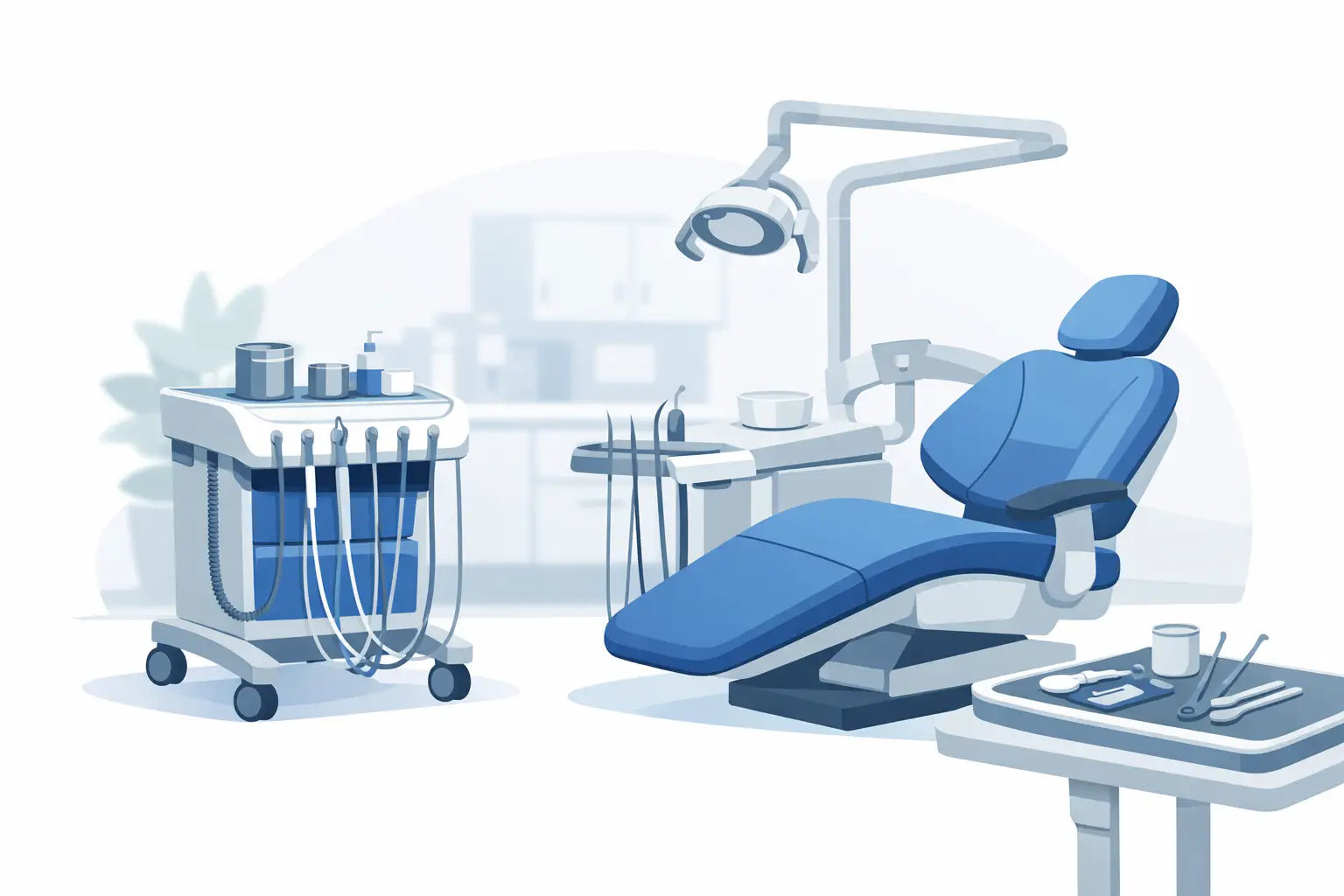
A mobile dental cart setup succeeds or fails before the first patient is seated. The difference is rarely the cart alone. It is whether the cart gives clinicians immediate access to the tools they need, keeps cables and barriers under control, and moves between treatment spaces without creating a reset project for the next appointment.
For dental practices, schools, DSOs, and mobile-care providers, a well-planned cart can make advanced technology more usable. It can bring digital imaging, endodontic equipment, scanning, or portable treatment support directly to the chair without committing every operatory to a fixed equipment footprint. The goal is not to place more equipment on wheels. It is to create a repeatable clinical station that protects efficiency, infection-control discipline, and equipment uptime.
Start With the Clinical Job, Not the Cart
The first decision is what the cart must accomplish during a patient encounter. A cart built for portable radiography has different priorities than one supporting endodontic procedures, hygiene overflow, teledentistry, or a temporary treatment room. Trying to make one cart serve every department often produces an overloaded unit that no one wants to move.
Define one primary use case and one secondary use case. For example, a general practice may build a cart primarily for digital X-ray capture and secondarily for patient education or intraoral scanning. An endodontic office may prioritize an apex locator, obturation unit, handpiece accessories, and magnification support. This decision determines the power demand, storage layout, surface area, and infection-control workflow.
Think through the appointment in sequence. Where does the assistant stand? Which items must be reached with one hand? Which device needs a clear line of sight to a monitor? What has to be plugged in before seating the patient? A cart should reduce these steps, not merely relocate them.
Match Cart Capacity to the Equipment Load
Before selecting shelves or drawers, list every device that will travel on the cart, including its charger, power brick, foot pedal, handpiece, sensor, laptop or tablet, and any backup consumables. Small accessories create many of the space and cable-management problems that undermine mobile workflows.
Check the combined weight against the cart's rated capacity, then leave room for safe operation. A cart that is technically within its limit can still feel unstable if heavier items are stored high or mounted at the edge of a shelf. Put the heaviest equipment low and close to the center of the frame. This improves maneuverability and reduces the risk of tipping when crossing thresholds or turning into a narrow operatory.
Caster quality matters more than it may seem. Locking casters should hold the cart firmly during use, while the wheels should roll smoothly enough that team members do not need to pull, twist, or wrestle the unit through the practice. If the cart must travel across carpet, elevator thresholds, or uneven mobile-clinic surfaces, test it under a realistic load before standardizing it across locations.
Build the Mobile Dental Cart Setup Around Workflow
The top surface is prime clinical real estate. Reserve it for equipment used during the procedure, such as a portable X-ray unit docking area, scanner, monitor, or a compact device console. Avoid turning this surface into general storage. Packages, spare barriers, paperwork, and charging cables quickly make a cart look busy and make cleaning less reliable.
A practical layout places the screen at a comfortable viewing height, keeps controls accessible from the clinician or assistant position, and routes cables away from the patient zone. If a laptop or tablet is part of the setup, secure it with an appropriate mount or retaining solution rather than relying on a loose device atop a shelf. The cart may be moved quickly between operatories, and an unsecured workstation is an expensive vulnerability.
Lower shelves and drawers should support a clean, repeatable restocking system. Keep unopened supplies separated from items used during procedures. Assign a home for sensor holders, disposable barriers, bite blocks, charging accessories, and spare batteries. Labels are useful when multiple assistants, providers, or shifts share the cart. The objective is simple: a trained team member should be able to inspect, stock, and deploy the unit the same way every time.
Manage Power and Cables Deliberately
Power is where many carts become inconvenient. Confirm that the destination operatory has adequate outlet access and that the cart's equipment can operate safely within the available electrical configuration. Avoid daisy-chaining power strips or using extension cords as a permanent workflow solution. Follow each device manufacturer's instructions and your facility's electrical and safety policies.
Use cable channels, clips, or sleeves to keep cords from hanging near wheels or dragging across the floor. Leave enough slack for shelf adjustment and service access, but not enough to create loops that snag during transport. Separate low-voltage charging cords from clinical accessories so troubleshooting remains straightforward.
Battery-powered devices can simplify a mobile setup, but they add a charging discipline. Establish a charging location and a clear handoff process at the end of the day. For high-use equipment, a spare approved battery or a defined charging rotation may prevent avoidable downtime. The best mobile cart is not the one with the most technology. It is the one that is ready when the schedule demands it.
Design for Infection Control Between Every Use
Mobility increases the need for consistency. A cart touches doorways, hallways, operatories, and clinical surfaces. Its design should make cleaning easy rather than requiring staff to work around clutter, exposed fasteners, and tangled cords.
Choose surfaces that can be cleaned and disinfected according to the cart and equipment manufacturers' instructions. Keep frequently touched controls and handles accessible for between-patient disinfection. Barrier-protect components when appropriate, especially those near the patient treatment zone, and establish a clear process for removing and replacing barriers without contaminating clean supplies.
Drawer interiors deserve attention. If they become a mixed storage area for clean supplies, opened packages, and used accessories, the cart will eventually slow the team down and compromise its purpose. Use removable bins or clearly divided sections when they support your infection-control protocol. Review the setup with the clinical team and align it with applicable CDC guidance, state requirements, and practice policies.
Plan Imaging and Digital Tools for Reliable Performance
Digital equipment makes mobile dentistry more capable, but placement and connectivity require forethought. A portable X-ray unit, digital sensor, imaging plate scanner, intraoral scanner, or laptop-based workstation should be positioned to support both clinical handling and secure transport.
For portable radiography, confirm that your workflow addresses operator training, radiation safety procedures, state and local requirements, and manufacturer instructions. The cart can organize the technology, but it does not replace a compliant imaging protocol. Keep sensor cables protected, use designated storage for sensor holders, and ensure the display device is available when images need to be reviewed chairside.
Wireless connectivity can be convenient, particularly for mobile or multi-room use, but it depends on the practice network. Test image transfer and software access in every area where the cart will be used. Dead zones, delayed logins, and inconsistent device pairing can erase the time savings of a mobile system. Where network conditions are variable, build a documented fallback process so patient care does not stall.
Standardize the Setup Before Scaling It
A single cart can be personalized. A fleet of carts across a multi-provider practice or DSO needs standardization. The same shelf arrangement, labels, charging process, cleaning checklist, and restocking par level should apply wherever practical. This makes staff training easier and gives procurement teams a clearer picture of what is actually being used.
Create a short pre-use check that verifies power, battery status, device function, consumable levels, caster locks, and cleaning readiness. Keep it focused enough that it is completed, not ignored. Periodic review is equally valuable: ask the clinicians and assistants what they reach for, what gets in the way, and what is routinely left off the cart because it does not fit the workflow.
There is a financial benefit to this discipline. A cart that supports multiple operatories can help practices extend the value of advanced clinical equipment without purchasing duplicate systems for every room. However, the savings disappear if devices sit uncharged, require constant reconfiguration, or cause bottlenecks. Reliable workflow is the return on investment.
ProElite Dental Supply works with practices seeking professional-grade mobile and digital equipment without the legacy-brand price burden. When selecting a cart-based system, prioritize FDA-cleared technology where applicable, dependable manufacturer support, and equipment that fits the clinical realities of your team.
A strong mobile cart should feel less like a temporary workaround and more like a compact operatory partner: organized at the start of the day, stable at chairside, and ready for the next patient without adding friction to the schedule.