

Teledentistry Equipment for Dental Practices
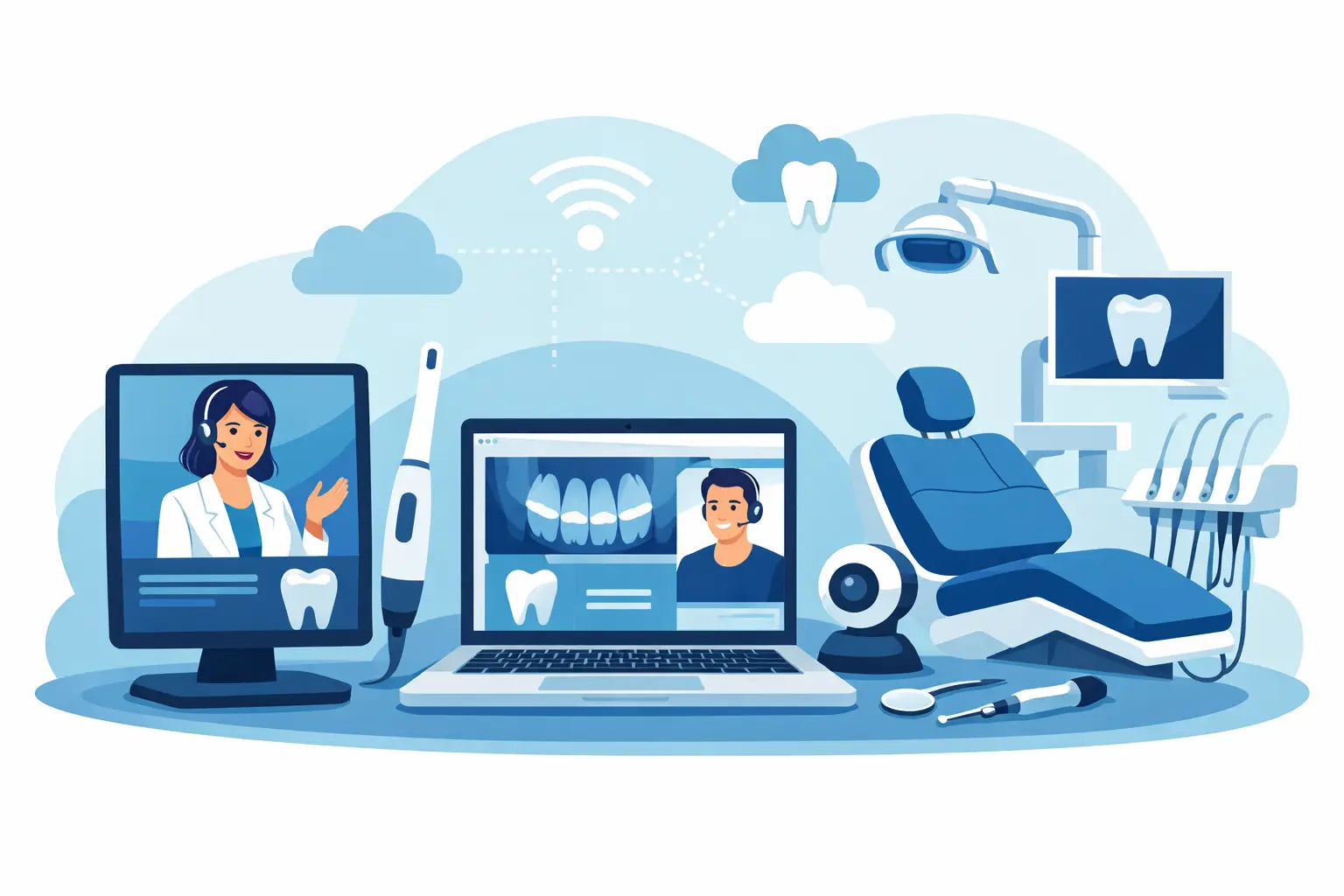
A virtual dental visit succeeds or fails before the dentist joins the call. A patient can have a clear clinical concern, but poor lighting, muffled audio, or an image that cannot be documented in the chart turns a potentially useful consult into a frustrating exchange. The right teledentistry equipment for dental practices helps teams triage confidently, extend access, and keep the patient experience professional without buying technology that will sit unused.
For most practices, the goal is not to replace an in-office examination. It is to make better decisions before the appointment, support follow-ups after treatment, and create a practical path for patients who need timely guidance. The equipment plan should reflect that purpose.
Start With the Clinical Use Case
Teledentistry can support several different workflows, and each calls for a different equipment mix. A general practice may use virtual visits to screen pain, review post-op healing, discuss treatment plans, and determine whether a patient needs same-day care. An endodontic office may use them for post-treatment check-ins and referrals. Mobile providers, schools, DSOs, and public-health programs may need a more portable setup that can travel between locations.
Before purchasing, identify what your team needs to see, capture, and communicate. If the visit is primarily consultative, excellent audio, a dependable camera, and secure software may be enough. If remote providers will review intraoral findings or radiographs, the setup must support higher-quality image capture, secure records transfer, and a consistent documentation process.
This distinction protects the budget. A premium intraoral camera is not automatically the right first purchase for a practice that only needs virtual post-op checks. On the other hand, a practice trying to triage broken teeth or monitor soft-tissue concerns will quickly outgrow a consumer-grade webcam.
The Core Teledentistry Equipment Stack
A useful teledentistry setup is built around communication, visualization, documentation, and connectivity. The strongest systems make these pieces easy for staff to use during a busy clinical day.
Camera, lighting, and audio
A high-definition webcam is the basic starting point for dentist-to-patient communication. Look for dependable autofocus, accurate color, low-light performance, and a field of view that works in the operatory or consult room. Mounting the camera at eye level helps the provider maintain better patient engagement than a laptop camera pointed upward from the desk.
Lighting matters just as much. A small adjustable LED light can improve facial visibility during virtual evaluations, especially when patients join from dim rooms or use a phone camera. Avoid harsh light directly in front of the patient, which can flatten detail and make color evaluation less reliable. Teledentistry is not a substitute for a clinical color match, but appropriate lighting helps the provider assess visible swelling, bruising, asymmetry, and healing progress.
Clear audio is a clinical and customer-service issue. A USB microphone or professional headset reduces room noise and protects patient privacy when front-office staff are nearby. For clinicians discussing symptoms, medication instructions, or treatment options, patients should not have to ask for every sentence to be repeated.
Intraoral imaging tools
For guided intraoral views, an intraoral camera can add meaningful value. It allows patients or staff to capture magnified images of fractured restorations, visible caries, gingival inflammation, ulcerations, and healing extraction sites. The image should be easy to save, label, and attach to the patient record.
Remote image quality depends on who is operating the camera. In a connected clinic, trained staff can obtain consistent views with retractors, mirrors, and proper infection-control procedures. In a direct-to-patient visit, the patient may be using a smartphone, which limits detail and angulation. Build protocols around that reality. A remote image can support triage, but it should not create false certainty when the diagnosis requires palpation, periodontal probing, radiographs, or an in-person exam.
For practices with mobile dentistry programs, portable imaging equipment may be part of the larger solution. Portable X-ray units and digital sensors can bring diagnostic capability closer to patients when used by trained, authorized personnel and in accordance with applicable federal, state, and local requirements. The key is selecting equipment that fits the practice's radiation-safety program, workflow, and documentation standards rather than treating portability as a shortcut around compliance.
Display and workstation setup
The provider needs a clear view of the patient and their clinical records at the same time. A larger monitor or dual-monitor workstation is a practical upgrade for dentists who routinely review photos, scans, imaging, and treatment plans during virtual consults. It reduces the constant switching between windows that can slow down a conversation and lead to missed details.
A dedicated telehealth workstation also creates consistency. Keep the camera, microphone, lighting, charger, and approved cleaning supplies in one location. If the practice expects every operatory to handle virtual visits, standardize the equipment model and placement. Consistency makes staff training faster and helps the patient receive the same level of service regardless of who initiates the appointment.
Imaging Integration Is Where Value Grows
Video alone answers only part of the clinical question. Teledentistry becomes more useful when a dentist can review diagnostic information already captured in the practice, such as digital radiographs, intraoral photographs, CBCT images, or scans from an intraoral scanner.
That does not mean every virtual visit needs advanced imaging. CBCT is appropriate when it is clinically indicated, not because the visit began online. But for implant planning, surgical follow-up, endodontic assessment, or complex restorative consultations, access to prior imaging can make the virtual discussion far more productive.
Choose systems that fit your existing charting and imaging workflow. Ask whether files can be stored in the patient record, whether image quality is preserved during transfer, and whether the provider can retrieve the needed information without asking staff to hunt through separate systems. A lower upfront equipment price can lose its advantage if every visit creates extra administrative work.
Privacy, Compliance, and Documentation Cannot Be Add-Ons
Dental practices should evaluate telehealth platforms and equipment with privacy in mind from the beginning. The video platform, messaging process, image storage, user permissions, and patient-record workflow should support the practice's obligations under HIPAA and applicable state rules. Requirements for telehealth, informed consent, prescribing, supervision, and reimbursement can vary by state and payer.
Equipment decisions play a role here. Use password-protected devices, encrypted networks, role-based access, and approved methods for sharing clinical images. Avoid leaving patient photographs on personal phones, desktop downloads, or unapproved messaging apps. If your practice supplies mobile devices to staff, establish a policy for remote access, updates, lost equipment, and secure deletion.
Documentation should be as intentional as the technology. Record the reason for the virtual visit, participants, patient location when required, consent when required, the information reviewed, clinical advice, limitations of the assessment, and next steps. If the provider recommends an in-office exam or urgent care, make that recommendation clear in the record and to the patient.
How to Buy Teledentistry Equipment Without Overbuying
Purchasing should begin with a pilot workflow, not a long shopping list. Start with a small number of visits, train a limited team, and measure the outcome. Are virtual consults reducing no-shows? Are post-op calls becoming more efficient? Are emergency patients getting directed to the right appointment type sooner? The answers will show where the next equipment investment belongs.
When evaluating products, prioritize clinical reliability over novelty. A dependable HD camera, quality lighting, and a secure workstation often deliver a stronger return than a collection of features no one uses. For equipment that affects diagnostics, select professional-grade products from suppliers that can provide clear product information, responsive support, and dependable post-purchase service.
Consider the total cost as well. Include mounting hardware, replacement cables, disinfectable barriers where appropriate, software subscriptions, staff training time, IT support, and warranty coverage. A mobile setup may save space and broaden access, but it also needs secure transport, charging discipline, and a plan for setup between patients.
For practices adding imaging, digital scanning, or mobile-care capabilities, working with an equipment partner that understands clinical workflows can simplify selection. ProElite Dental Supply focuses on professional-grade technology and accessible pricing, helping practices evaluate equipment around performance, value, and practical daily use.
Build a Workflow Patients Will Actually Use
Even excellent equipment cannot fix a confusing appointment process. Patients need simple instructions before the visit: how to join, how to test audio and video, how to find good light, what images to submit if requested, and what to do if they experience swelling, fever, bleeding, trauma, or severe pain.
Staff should know who verifies the patient's identity, who collects consent, who uploads images, and who schedules the next step. Keep a backup plan for failed connections, such as a secure rescheduling process or a phone call limited to appropriate information. The goal is dependable access, not forcing every clinical conversation into video.
A thoughtfully equipped teledentistry program gives your practice another way to be present when patients need direction. Start with the clinical moments that create the most friction today, then choose equipment that makes those moments clearer, faster, and easier for both the care team and the patient.