

Dental CBCT Installation Guide for Practice Owners
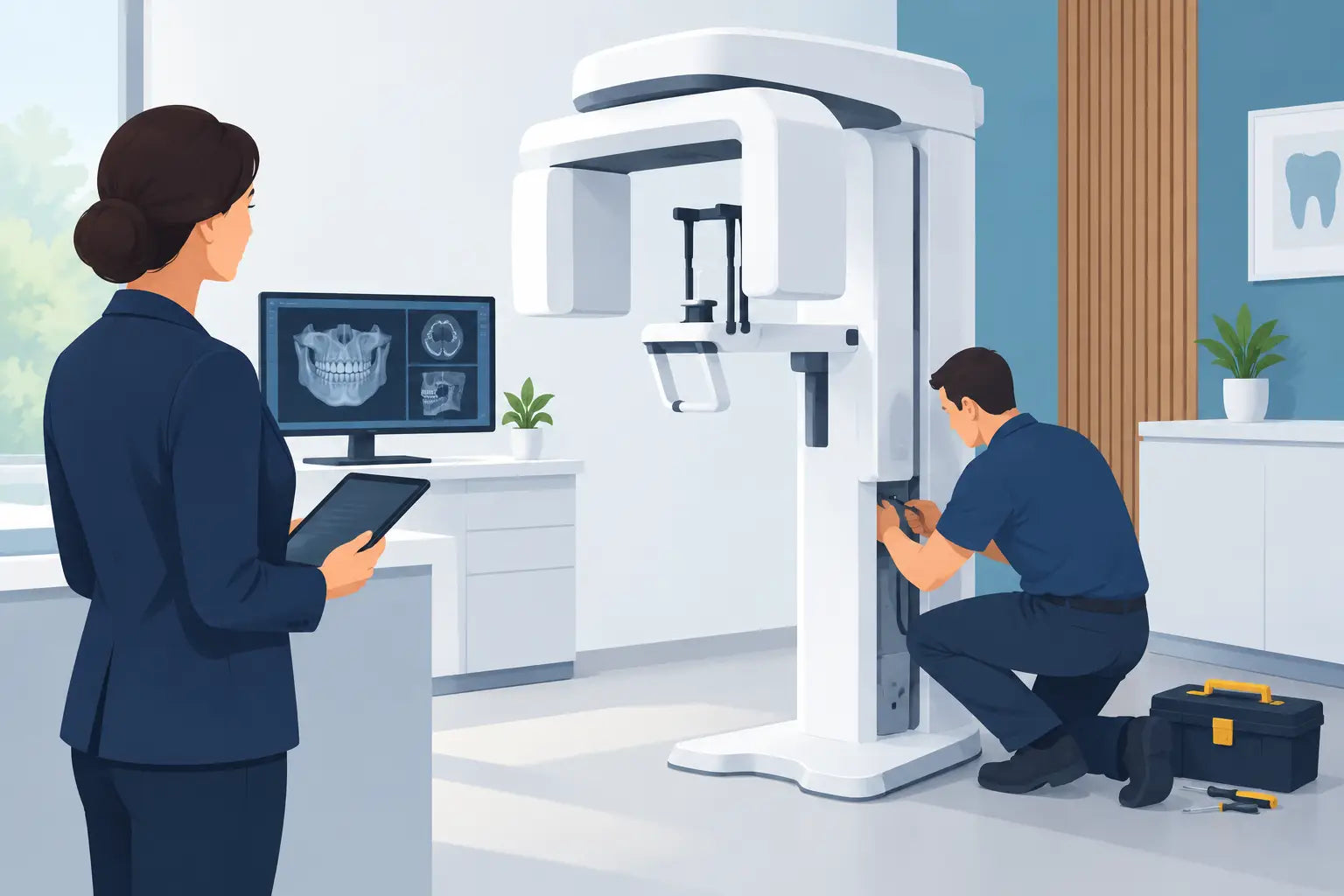
A CBCT system can change the pace and confidence of implant planning, endodontic diagnosis, surgical referrals, and complex restorative cases. But the value of the scan depends on what happens before the first patient steps into the imaging room. This dental CBCT installation guide helps practice owners prepare the site, coordinate the right professionals, and avoid delivery-day surprises that delay a clinical launch.
CBCT installation is not simply a matter of placing a unit against a wall and turning it on. Room dimensions, electrical service, network access, radiation safety requirements, workflow, and staff readiness all affect the outcome. A clear plan protects your investment and gives your team a faster path to dependable diagnostic imaging.
Start the Dental CBCT Installation Guide Before You Order
The best time to plan installation is before a purchase order is finalized. Confirm the exact model, imaging modes, field-of-view options, footprint, weight, and manufacturer site requirements. A compact unit may work well in a general practice with limited square footage, while a larger field-of-view system can be the better fit for an implant-focused or oral surgery workflow. Neither choice is automatically better. The right system depends on your clinical mix, referral volume, and the scans you expect to perform most often.
Ask for the manufacturer's site-preparation documentation early. This should identify minimum room dimensions, wall clearance, ceiling requirements if applicable, dedicated electrical needs, network specifications, environmental limits, and anchoring instructions. Do not rely on measurements from a product listing or assume that another operatory has the same infrastructure. Installation requirements are model-specific.
It is also smart to establish one point of contact within the practice. That person should coordinate the equipment supplier, installer, electrician, IT provider, contractor, and radiation-safety professional. When responsibility is spread across several people without a clear owner, small missed details can become expensive delays.
Choose the Room With Workflow in Mind
A CBCT room should support both patient comfort and efficient movement for the clinical team. Locate the unit where staff can escort patients without crossing a crowded hygiene or treatment area whenever possible. Consider wheelchair access, the turning radius for mobility aids, and the ease of positioning patients who may have pain, limited mobility, or surgical dressings.
The operator needs a clear, practical position for starting an exposure while remaining outside the controlled area as required. Plan where the acquisition computer, monitor, and any remote exposure control will sit. A room can meet minimum dimensions and still feel inefficient if a team member must navigate around a workstation, door swing, or storage cabinet with every patient.
Door placement matters more than many practices expect. Verify that the patient can enter comfortably, the equipment can be brought into the room, and emergency access remains practical. Measure the delivery path from the loading area to the final room, including exterior doors, hallways, elevators, tight turns, and thresholds. A CBCT unit is a significant piece of clinical equipment, and a site that is ready at the room level can still fail at the building-access level.
Plan for more than the unit itself
The imaging room often needs space for a workstation, protective accessories, patient positioning aids, and service access. Avoid filling every open wall with cabinetry before the installer confirms clearance requirements. Service technicians need enough room to inspect, calibrate, and maintain the system without dismantling your room setup.
If you are building or renovating, future-proofing is worth considering. A modest amount of extra conduit, network capacity, or wall reinforcement can be far less costly during construction than after the room is finished.
Confirm Electrical, Network, and Computer Requirements
Dental imaging systems perform best when the underlying infrastructure is stable. Use a licensed electrician to confirm voltage, outlet type, circuit capacity, grounding, and whether the system requires a dedicated circuit. Follow the manufacturer's specifications exactly. Sharing power with high-draw equipment or relying on an improvised extension solution can create reliability issues and may not meet installation requirements.
Network planning is equally important. Your CBCT software may need to communicate with practice-management software, imaging software, workstations, backup systems, and specialists receiving exported studies. Involve your IT provider before installation, not after images begin accumulating on a local computer.
Discuss where scans will be stored, how they will be backed up, who receives user access, and how long large imaging files will remain readily available. CBCT studies can place meaningful demands on storage and network performance. A practice with multiple operatories or a DSO environment may need a more deliberate plan than a single-location office.
The acquisition workstation should meet the software provider's processor, memory, graphics, display, and operating-system requirements. Clinical image review is not the place to economize on an underpowered computer or a display that cannot support confident interpretation. Confirm cybersecurity controls as well, including user permissions, routine updates, secure backups, and a documented response plan for system downtime.
Address Shielding and Regulatory Requirements Early
Radiation regulations are administered at the state level, so requirements vary by location. Before construction begins, consult the appropriate state radiation-control authority and a qualified radiation-safety or shielding professional familiar with dental CBCT. They can evaluate the proposed room, adjacent spaces, anticipated workload, occupancy of nearby areas, and the selected unit's technical data.
Do not estimate shielding from a two-dimensional floor plan alone. The spaces above, below, beside, and across from the imaging room matter. A private storage room and a continuously occupied front desk present different considerations. The required protective design may involve structural barriers, room orientation, operating procedures, or a combination of measures based on your specific site.
Your practice may also need registrations, inspections, documentation, quality-assurance procedures, and designated responsibilities before clinical use. Build time for these steps into the launch schedule. Equipment delivery does not necessarily mean the system is ready to expose patients that afternoon.
Prepare for Delivery, Installation, and Acceptance Testing
A successful installation day begins with a room that is truly finished. Flooring should be complete, walls closed and painted, electrical work signed off, network drops active, and any required shielding installed before the equipment arrives. Dust-heavy construction should be complete. Fine construction debris and sensitive imaging electronics are a poor combination.
Confirm delivery timing, receiving procedures, parking access, loading-dock needs, and who will be present to inspect the shipment. Photograph any visible damage before the equipment is moved or unpacked. Keep the model information, serial number, warranty documents, installation records, and service contacts together in a location your office manager and clinical leaders can access.
After setup, the installer should complete calibration and functional checks according to the manufacturer's process. Acceptance testing confirms that the unit is installed and operating as intended. Depending on your state and practice requirements, this may be followed by additional inspection or physics-related review. Do not rush this stage because the schedule is tight. A documented, properly functioning system is a better starting point for patient care and long-term service support.
Train the Team Around Real Clinical Decisions
Technical installation is only half the launch. Staff need practical training on patient positioning, exposure selection, artifact reduction, infection-control steps, image acquisition, file management, and what to do when a scan must be repeated or paused. Training should include front-office personnel, assistants, hygienists, and providers according to their roles.
Create simple internal protocols before the first scheduled scan. Define who verifies patient identity, who confirms the clinical indication, who selects the field of view, who reviews image quality, and how findings are documented or referred. Keep the focus on diagnostic necessity and the smallest appropriate field of view for the clinical task, consistent with your clinical judgment and applicable requirements.
For practices expanding into implants, endodontics, or oral surgery, schedule a few low-pressure early cases rather than filling the first week with complex scans. This gives the team time to refine positioning and workflow without making patients wait. It also reveals practical issues, such as whether the workstation location works or whether consent and referral forms need adjustment.
Make Your Imaging Investment Easier to Maintain
A CBCT system should have an owner after installation, even in a busy multi-provider practice. Assign responsibility for routine checks, cleaning procedures, software updates, backup verification, and service communication. Maintain a log for errors, corrective actions, quality checks, and maintenance events. These records support consistency and make troubleshooting much faster.
When selecting equipment and support, look beyond the purchase price. Consider availability of training, response time, warranty coverage, replacement parts, software support, and whether the supplier understands the demands of clinical imaging. ProElite Dental Supply helps practices bring advanced, FDA-cleared imaging technology within reach while keeping the buying process straightforward and support-focused.
A well-planned CBCT room does more than pass installation. It gives your team a dependable diagnostic asset that feels natural in the daily schedule, supports better clinical decisions, and delivers the kind of modern patient experience that makes a practice stronger over time.